

Waterfall Delta
A new widget comes in the Bars familly
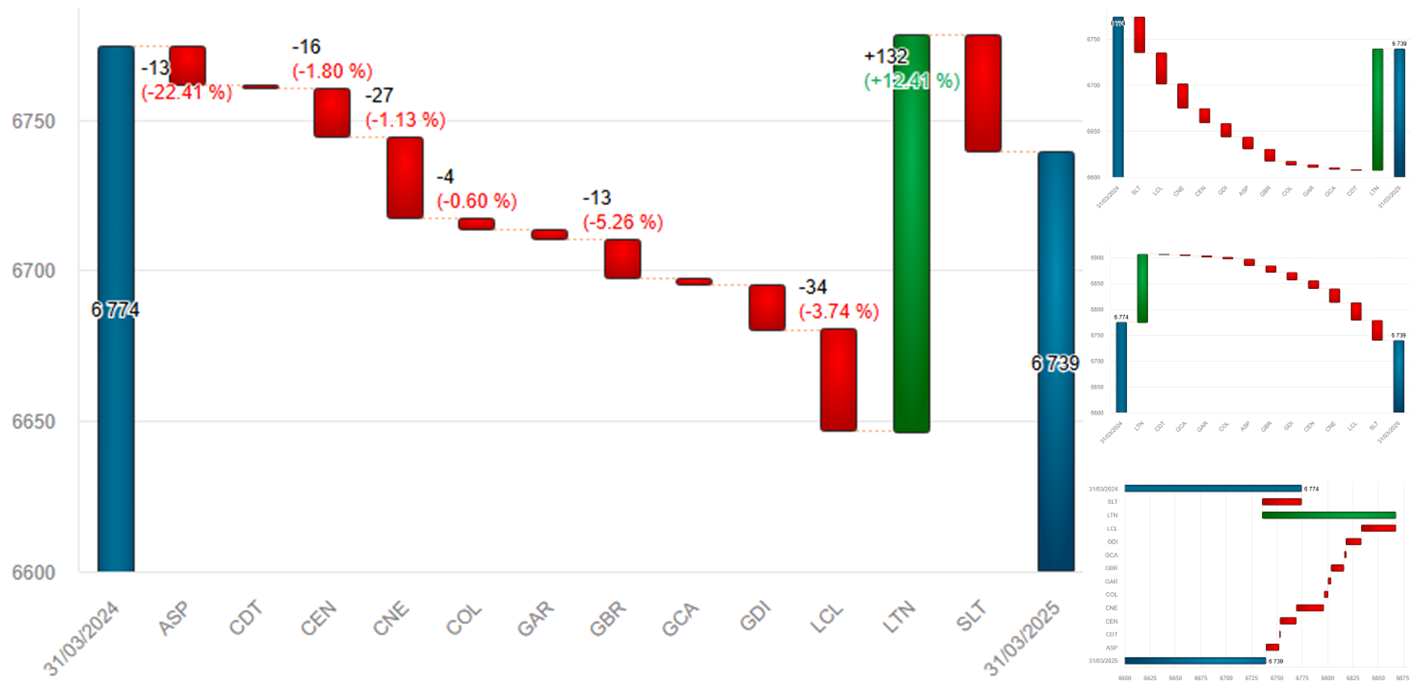
The delta waterfall shows step-by-step changes in a metric (such as revenue, budget, or net income), by displaying cumulative differences caused by various factors.
It starts with an initial value, then shows increasing or decreasing bars for each delta, and ends with the final value.
Navigation Elements
A new widget comes in the Navigation familly
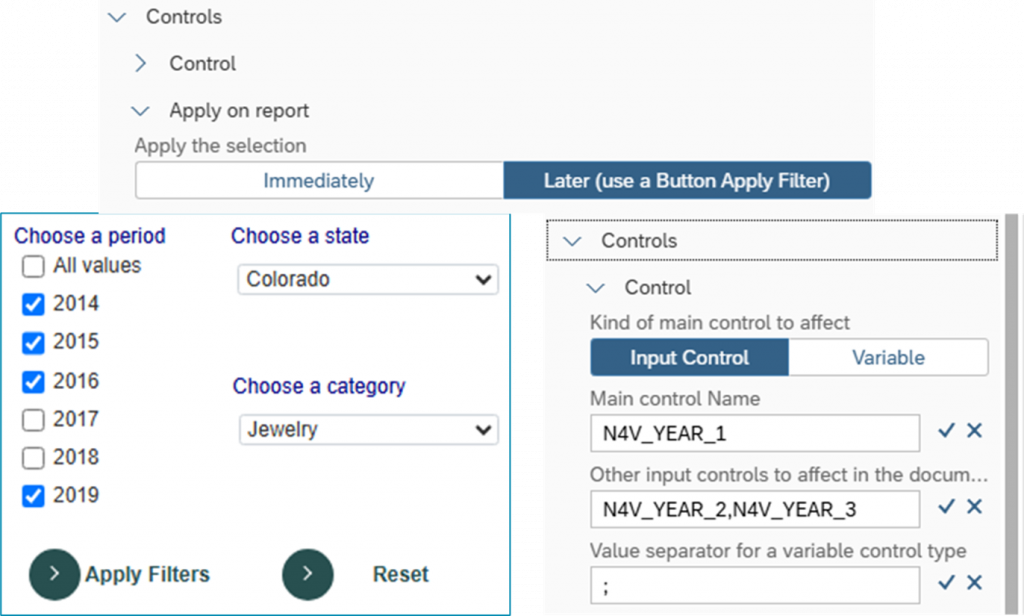
The Apply Filter Button is coming!
You can now make all your selections in the N4V filters and apply them in one time. No more flashing Webi when filtering your data.
Improvements
You can now apply filtered values to many Input Controls in all your Webi document.
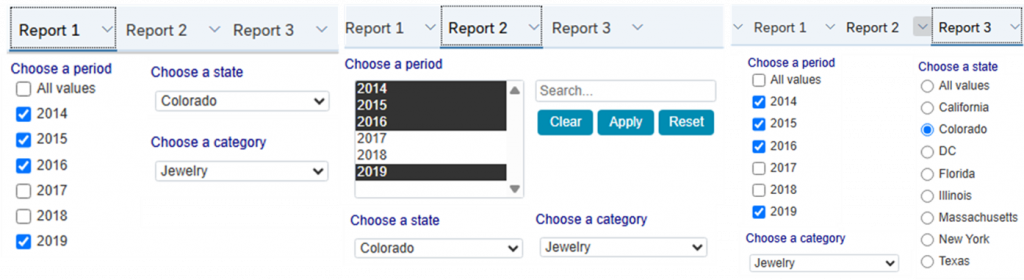
Control Webi with N4V Widgets
More control on Webi
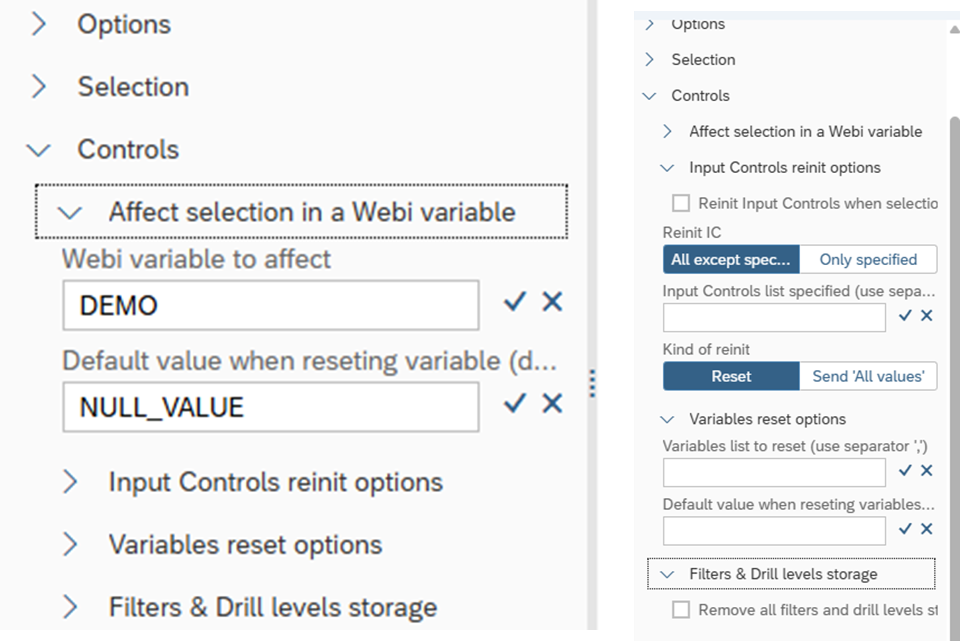
In most of all N4V Widgets, you can now:
- Reset all/few Input Controls in the report
- Affect the selection to a Webi Variable
- Use the native Webi Linking Elements
Doing dashboarding in Webi is more efficient than ever!
N4V Admin Console
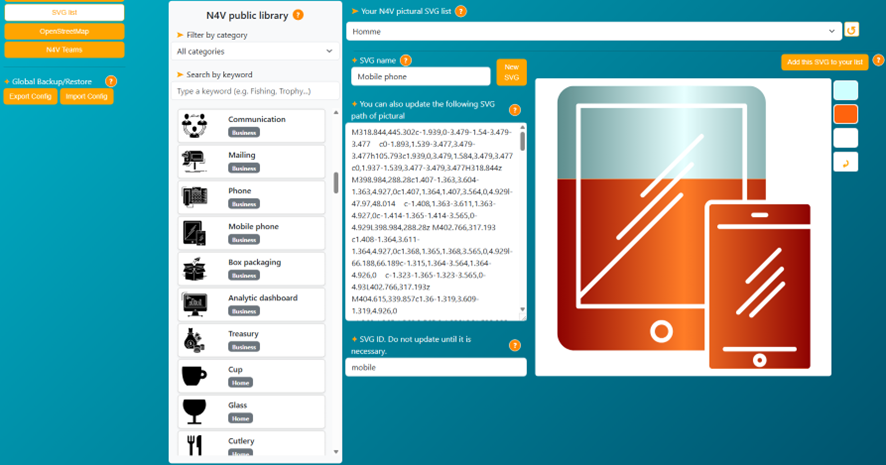
•Manage your SVG list
Manage your SVG list.
Add your own SVG to the list available in Webi or add SVG provided in our public library
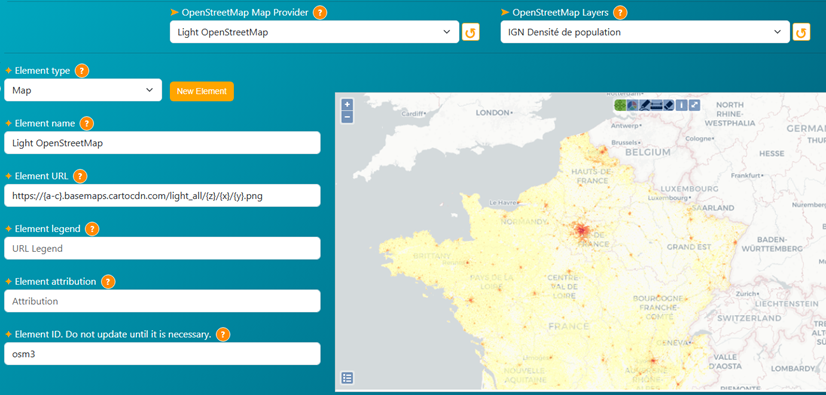
Manage your OpenStreetMap providers (maps & layers)
Backup/Restore all your N4V configuration in one click!

Widgets Enhancements
Many Enhancements
In most of all N4V Widgets, new settings have been added:
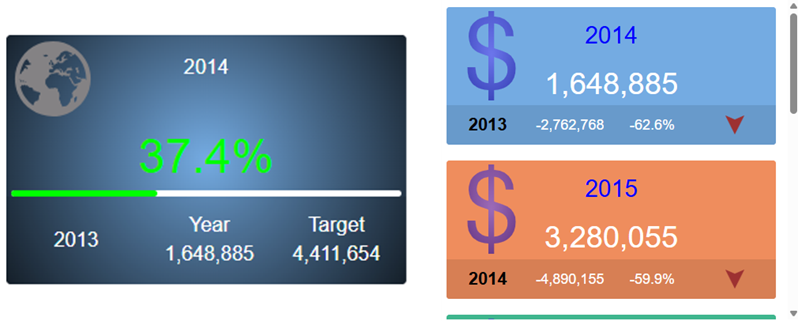
In our Trend & Progress Tiles you can now display in background SVG icons from the same list used in Pictural Gauges:
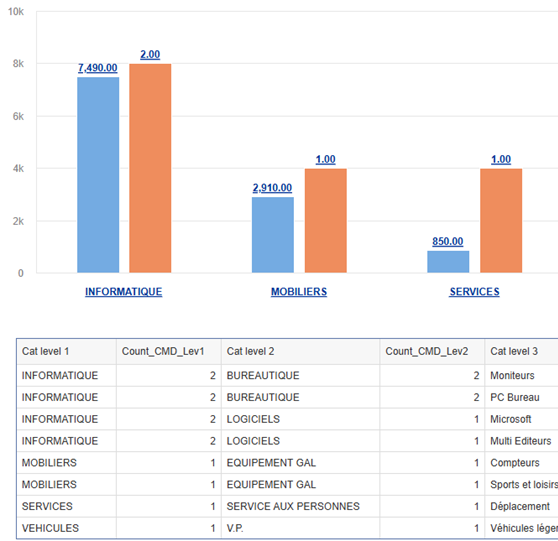
In the Multi Drill, you can now use precalculated measure to display ratio / count… in each drill level:
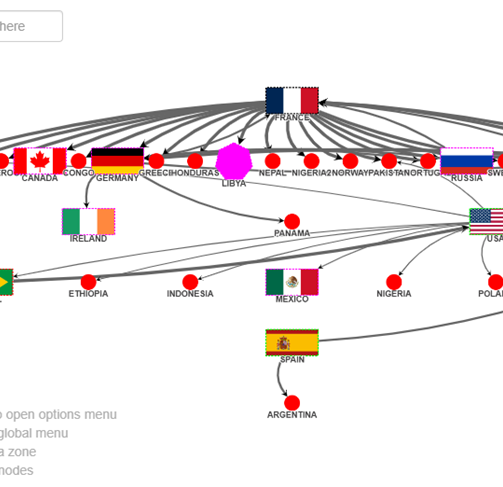
•Many custom options can be used in RDF to design the nodes as you need:
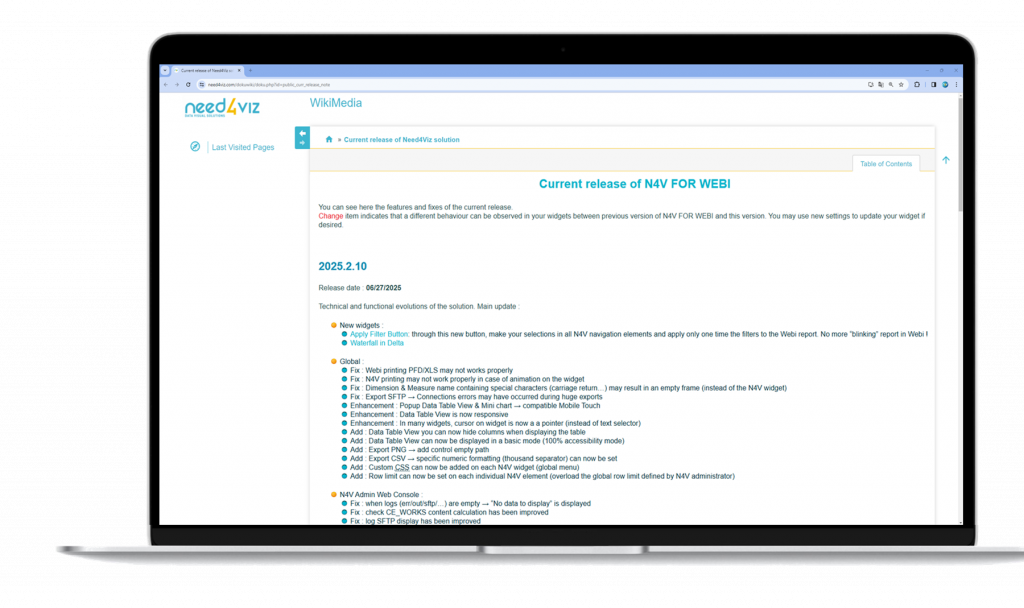
See Wiki for full report
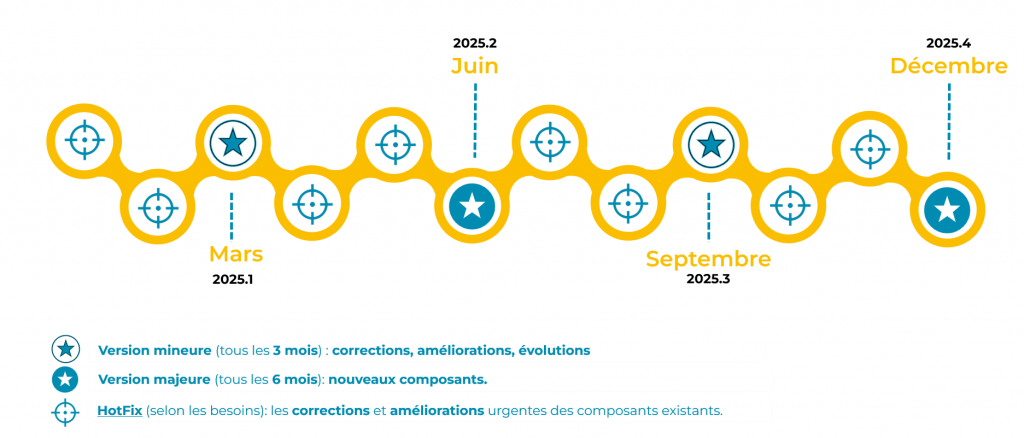
2 major releases in 2025